
BuzzPost on your home screen
בלי App Store ובלי Google Play: פותחים כתובת, מוסיפים למסך הבית.Без App Store и Google Play: открываете адрес, добавляете на экран «Домой».No App Store, no Google Play: open the address, add it to your home screen.
התקנה בשתי דקותУстановка за две минутыInstall in two minutes
בחרו את הטלפון שלכם: ארבעה צעדים, בלי הורדות.Выберите телефон: четыре шага, ничего не скачивая.Pick your phone: four steps, nothing to download.
- 1פתחו את buzzpost.co.il/app בספארי - בדיוק בכתובת הזוОткройте buzzpost.co.il/app в Safari - именно этот адресOpen buzzpost.co.il/app in Safari - this exact address
- 2לחצו על "שיתוף" בתחתית המסךНажмите «Поделиться» внизуTap "Share" at the bottom of the screen
- 3בחרו "הוספה למסך הבית"Выберите «На экран „Домой“»Choose "Add to Home Screen"
- 4לחצו "הוסף" - האייקון מופיע על מסך הביתНажмите «Добавить» - иконка появится на экране «Домой»Tap "Add" - the icon appears on your home screen
- 1פתחו את buzzpost.co.il/app בכרוםОткройте buzzpost.co.il/app в ChromeOpen buzzpost.co.il/app in Chrome
- 2לחצו על שלוש הנקודותНажмите три точкиTap the three dots
- 3בחרו "התקנת אפליקציה"Выберите «Установить приложение»Choose "Install app"
- 4אשרו, האייקון מופיע במסך הביתПодтвердите, иконка появится на главном экранеConfirm, the icon appears on your home screen
buzzpost.co.il/app
מה יש בפניםЧто внутриWhat is inside
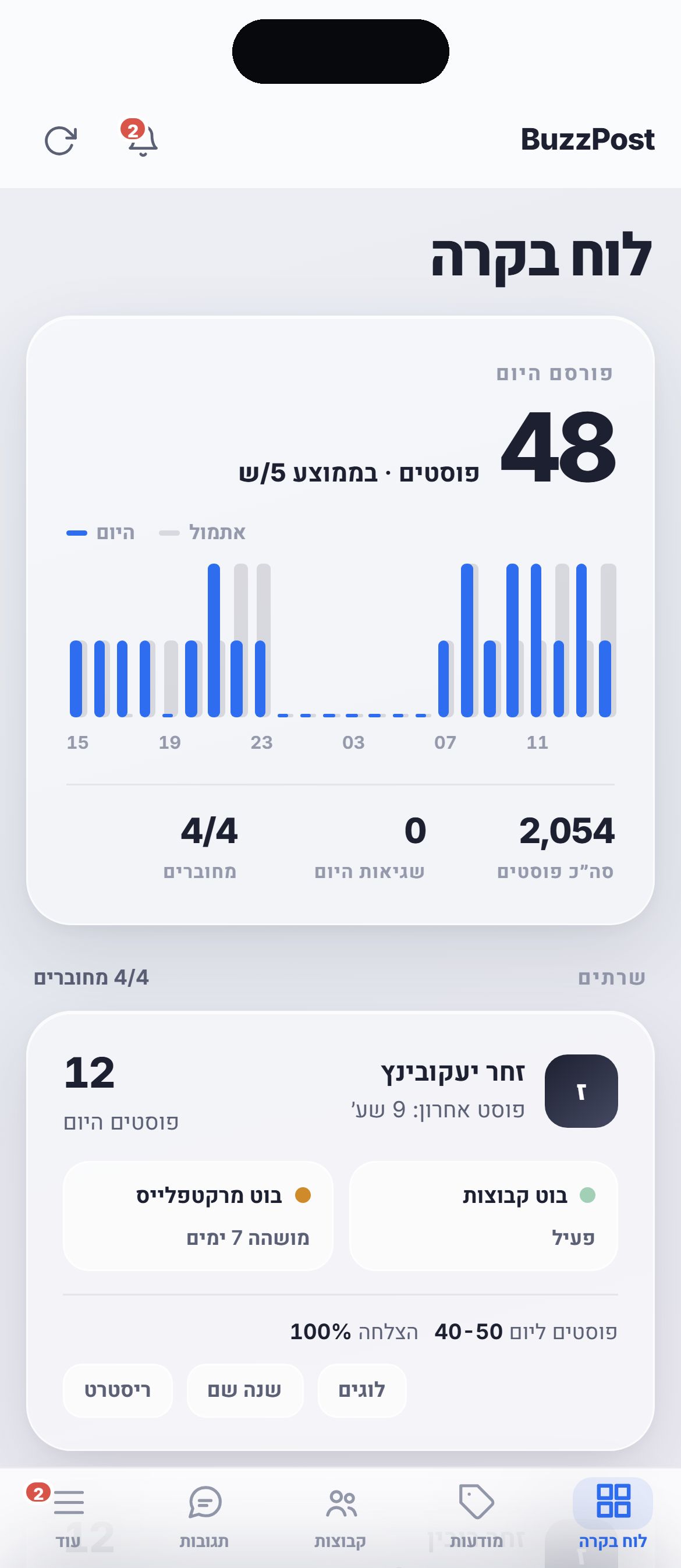
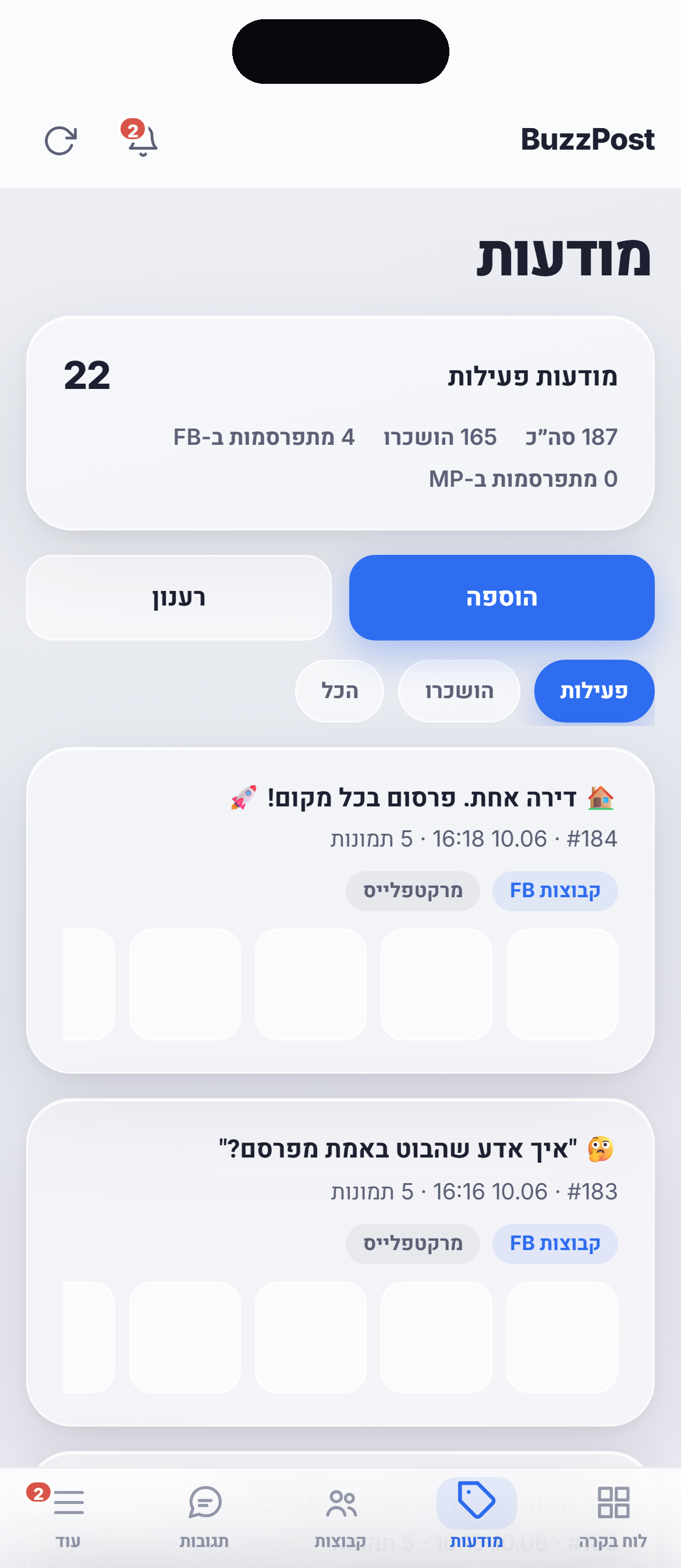
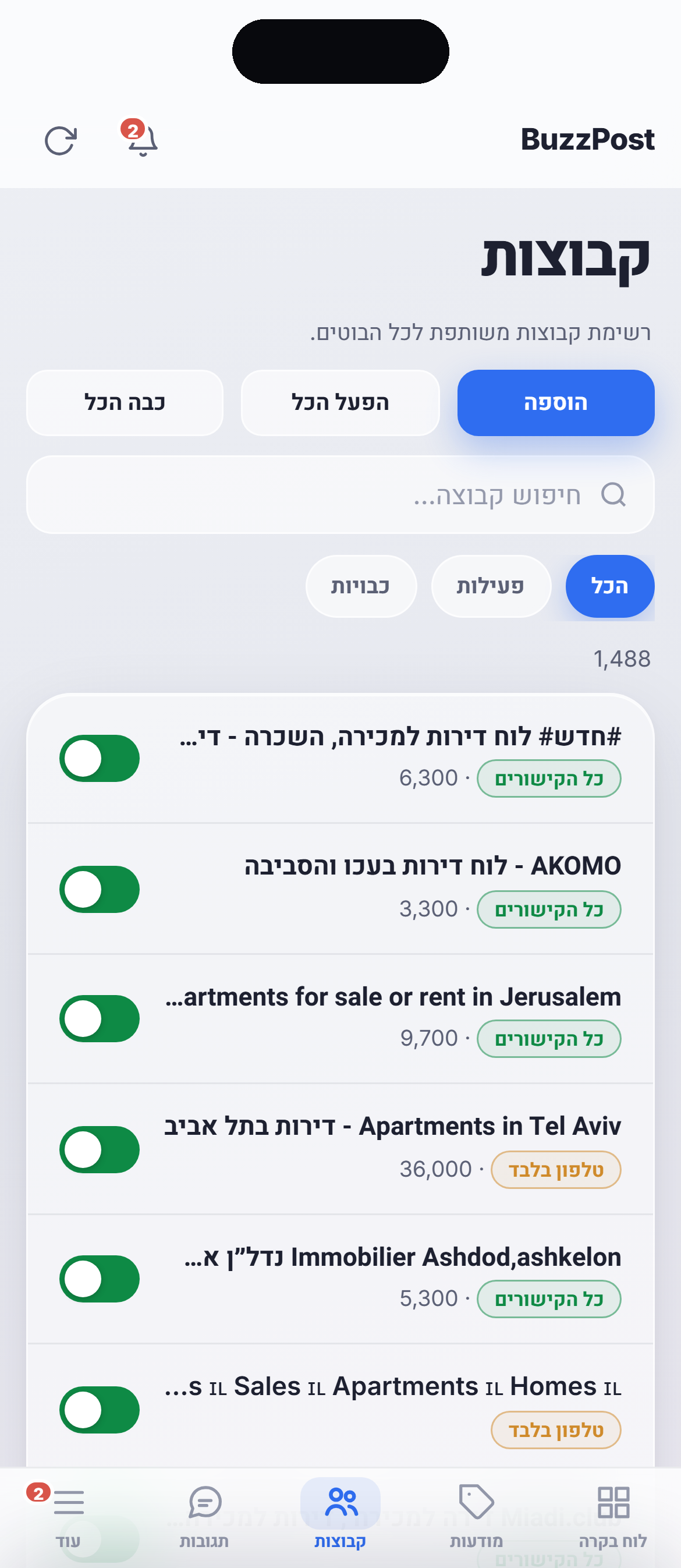
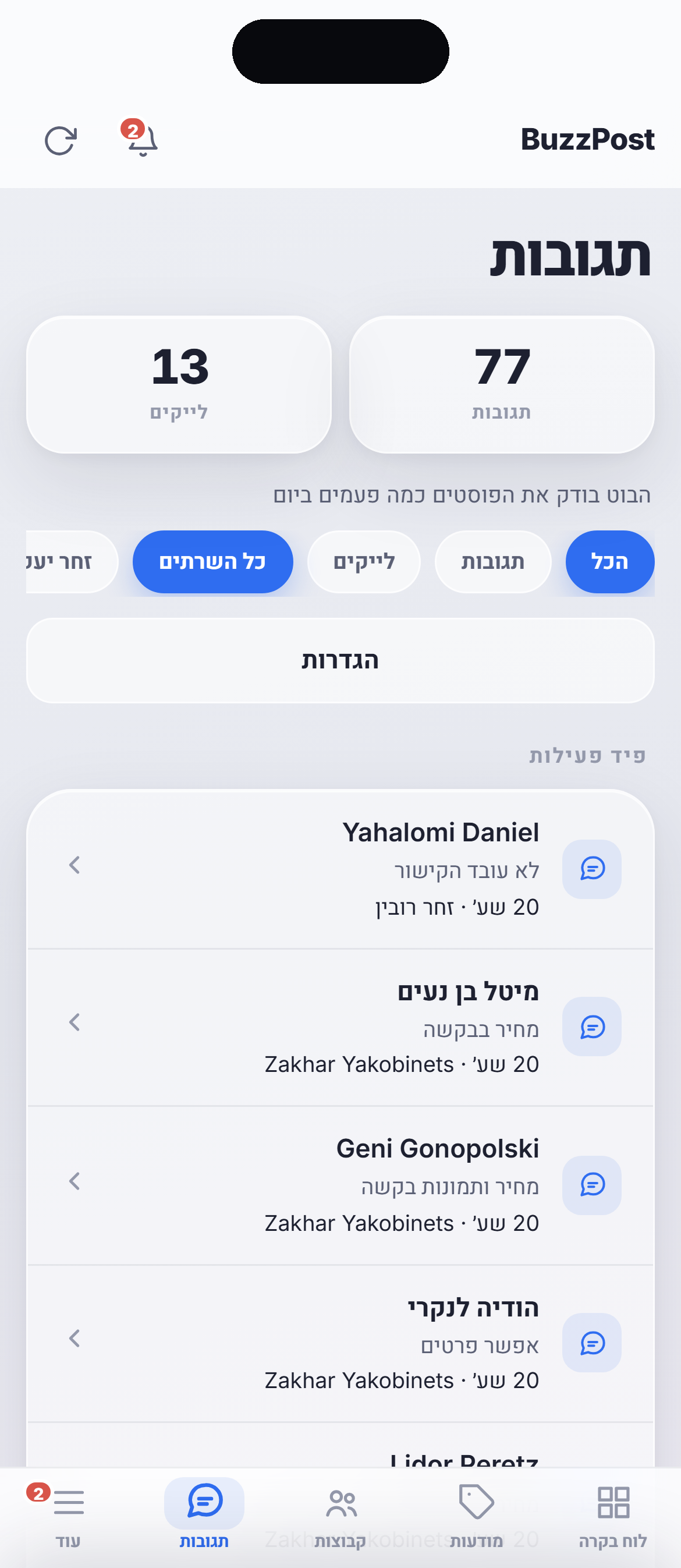
אותה מערכת שאתם מכירים מהמחשב, מותאמת למסך של הטלפון. בצילומי המסך חשבון לדוגמה.Та же система, что и на компьютере, под экран телефона. На скриншотах пример аккаунта.The same system as on desktop, shaped for a phone. The screenshots show a sample account.
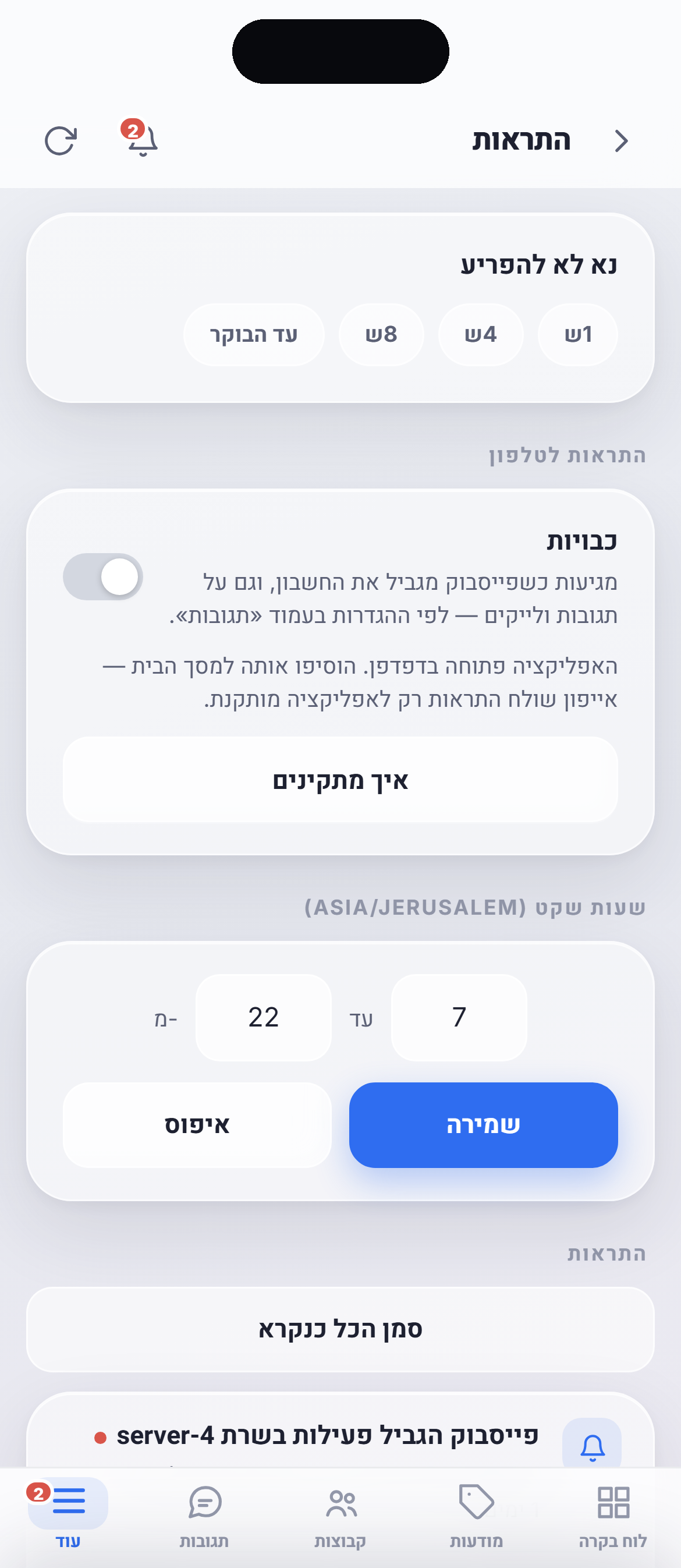
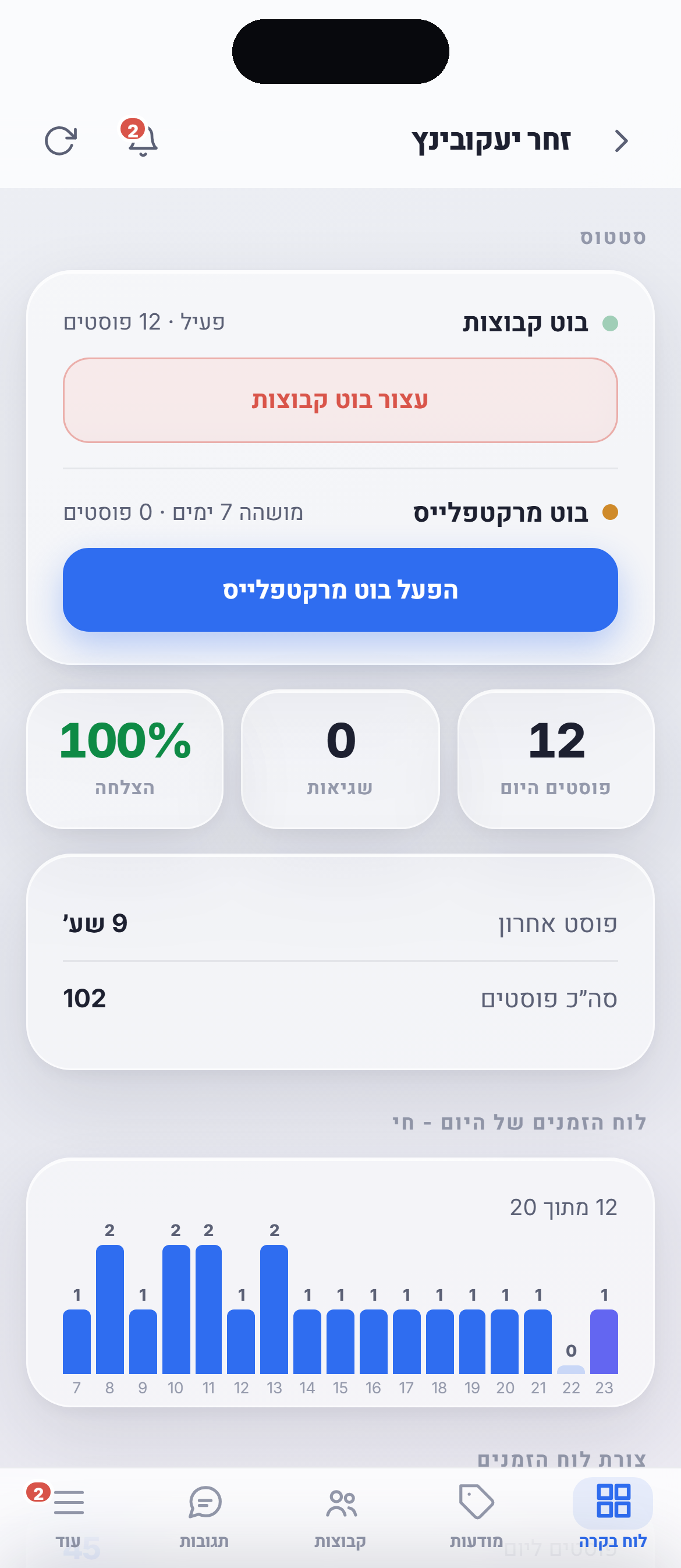
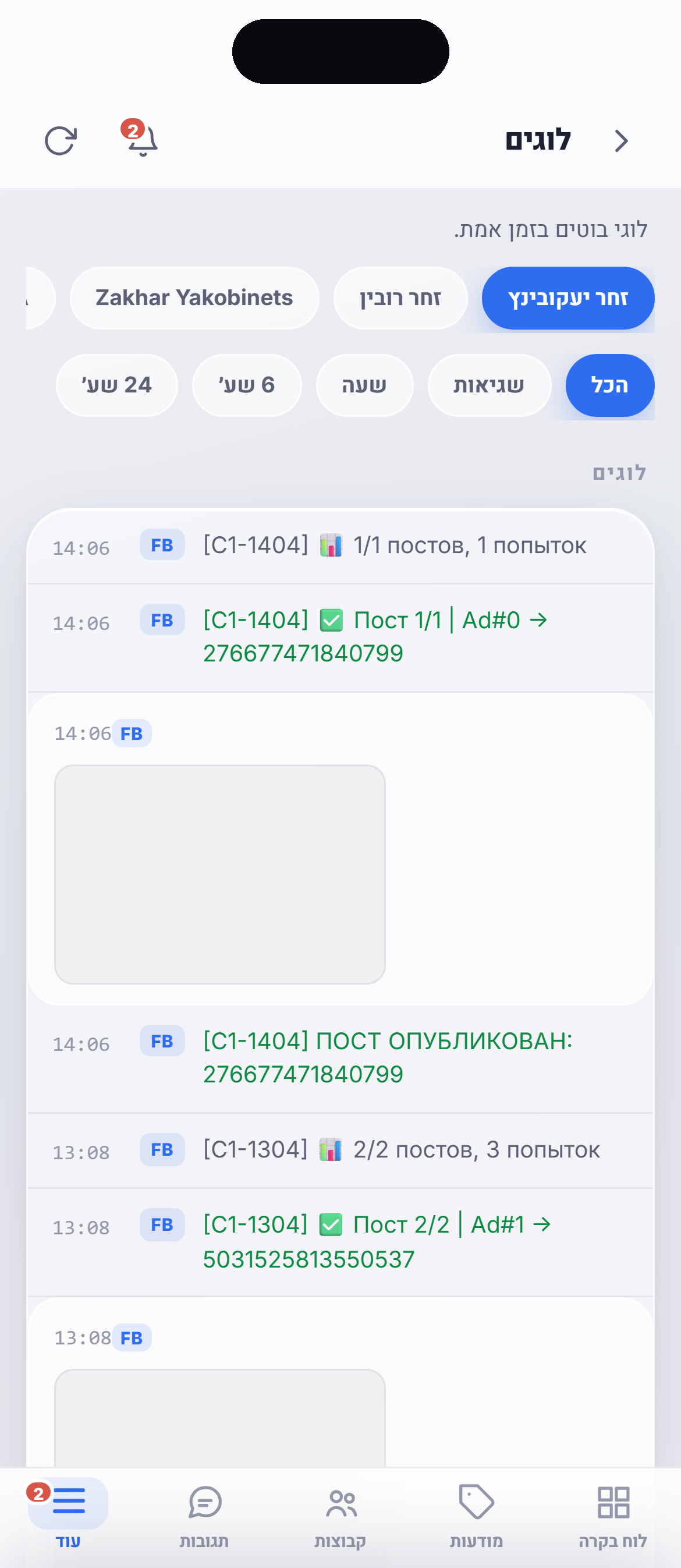
שאלות על האפליקציהВопросы о приложенииQuestions about the app
זו אפליקציה או אתר?Это приложение или сайт?Is this an app or a website?
צריך להוריד משהו מ־App Store או Google Play?Нужно что-то скачивать из App Store или Google Play?Do I need to download anything from the App Store or Google Play?
יגיעו התראות פוש לטלפון?Будут ли приходить пуш-уведомления?Will push notifications reach my phone?
כמה מקום זה תופס ואיך זה מתעדכן?Сколько занимает места и как обновляется?How much space does it take and how does it update?
האייקון פותח את האתר במקום האפליקציה.Иконка открывает сайт вместо приложения.The icon opens the website instead of the app.
שבוע ראשון חינם. בלי כרטיס אשראי.Первая неделя бесплатно. Без карты.First week free. No credit card.
מעלים מודעה היום, הפוסט הראשון יוצא תוך שעה.Загружаете объявление сегодня, первый пост выходит в течение часа.Upload a listing today, the first post goes out within an hour.
רוצים שנחזור אליכם?Хотите, чтобы мы перезвонили?Want us to call you back?
השאירו שם וטלפון, נחזור אליכם תוך שעה בשעות העבודה.Оставьте имя и телефон, перезвоним в течение часа в рабочее время.Leave your name and phone, we will call you back within an hour during working hours.